Best EMR for Family Physicians in BC (How to Compare Vendors Objectively in 2026)
Last Updated
Author
Team Aeon
If you’re searching for the best EMR for family physicians in BC, here’s the direct answer:
There is no single best EMR for every clinic in British Columbia. The “best” system depends on your workflow, team structure, MSP billing needs, infrastructure model, and how efficiently the software supports your practice over a 3–5 year horizon.
Choosing based on popularity, brand recognition, or lowest subscription price alone is risky. The right EMR is not the one most talked about — it’s the one that reduces sustained operational friction inside your specific clinic.
This guide provides a structured, objective framework to help BC clinics evaluate vendors without relying on rankings or hype.
This guide does not rank vendors or recommend specific products. Instead, it provides a framework for objective comparison.
For a broader overview of the full selection process, see our complete guide to choosing an EMR in BC.
TL;DR
• There is no single best EMR for every BC clinic.
• Workflow design and usability matter more than feature volume.
• MSP billing reliability and BC compliance are essential.
• Infrastructure model affects long-term maintenance burden.
• Use a structured comparison matrix before deciding.
What Is the Best EMR for Family Physicians in BC?
The best EMR in BC is not a brand. It is an operational fit.
For family physicians, “best” typically means a system that delivers:
Usability that reduces clicks and cognitive load
Reliable MSP billing integration
Strong task and team workflow support
Responsive support and effective training
Scalability as your clinic grows
Sustainable total cost of ownership over 3–5 years
An EMR may look impressive in a demo. But the true test is how it performs across thousands of routine encounters, billing submissions, and follow-ups over multiple years.
Usability & Workflow Efficiency
In primary care, workflow is everything.
An EMR that requires excessive clicks, duplicate data entry, or constant screen switching creates daily friction. Over time, that friction compounds.
When evaluating usability, ask:
How many steps does a standard visit require?
Are labs, meds, history, and notes visible without hunting?
Is task management integrated or bolted on?
Does the interface reduce cognitive load?
Feature count does not equal usability. Many systems accumulate tools over time, but real efficiency comes from coherent workflow design.
MSP Billing & BC Compliance
For family physicians in BC, billing reliability is non-negotiable.
Evaluate:
Is MSP billing integrated into the clinical encounter workflow?
Are fee codes easy to apply and validate?
How are rejections handled?
Does the system support reporting for reconciliation?
Beyond billing, confirm:
Compliance with provincial privacy requirements
Clear data residency policies
Audit logs and access controls
In BC, confirm compliance with provincial privacy legislation (PIPA) and clear Canadian data residency policies.
An EMR that complicates billing increases administrative burden and revenue risk.
Team-Based Workflow Support
Modern primary care is team-based.
Your EMR should support:
MOA task routing
Referral tracking
Incoming lab assignment
Secure internal communication
Clear ownership of follow-ups
Ask vendors to demonstrate:
How a task moves from intake to completion
How staff reassign work
How physicians are notified
How overdue tasks are surfaced
Ignoring MOA workflow during evaluation is one of the most common and costly mistakes clinics make.
Cloud vs Server Infrastructure
Infrastructure model influences more than hosting location. It shapes maintenance, downtime risk, and scalability.
When comparing systems, evaluate:
Who maintains the servers?
How updates are delivered
What redundancy exists
What hardware investment is required
Cloud-based systems typically reduce in-clinic IT overhead. Server-based systems may offer direct control but require sustained maintenance.
For a structured infrastructure comparison, see our breakdown of cloud vs legacy EMRs.
The “best” infrastructure model is the one that reduces ongoing operational distraction.
Reporting & Panel Management
Family physicians manage longitudinal care, not isolated visits.
Your EMR should support:
Preventive care tracking
Chronic disease management lists
Panel-level reporting
Recall and reminder workflows
Ask:
Can you generate patient lists based on conditions or due services?
Are dashboards intuitive?
Can you export reports easily?
Reporting tools directly impact proactive care and clinic organization.
Support & Training Quality
Support quality is often underestimated during vendor selection.
Clarify:
Average support response times
Onboarding structure
Availability of live training
Ongoing education resources
A system with strong support can mitigate early-stage friction. A system with weak support amplifies it.
Evaluate not just the software, but the service model.
Total Cost of Ownership
Subscription price is only one part of the equation.
Total cost of ownership includes:
Monthly subscription fees
Setup and onboarding
Migration expenses
Infrastructure costs (if applicable)
Productivity impact
Long-term efficiency gains or losses
An EMR with a lower subscription price may carry higher operational costs if it slows documentation or increases billing errors.
For a full cost breakdown specific to BC clinics, see our guide to EMR cost in BC.
The best EMR is rarely the cheapest. It is the one that creates sustained operational efficiency.
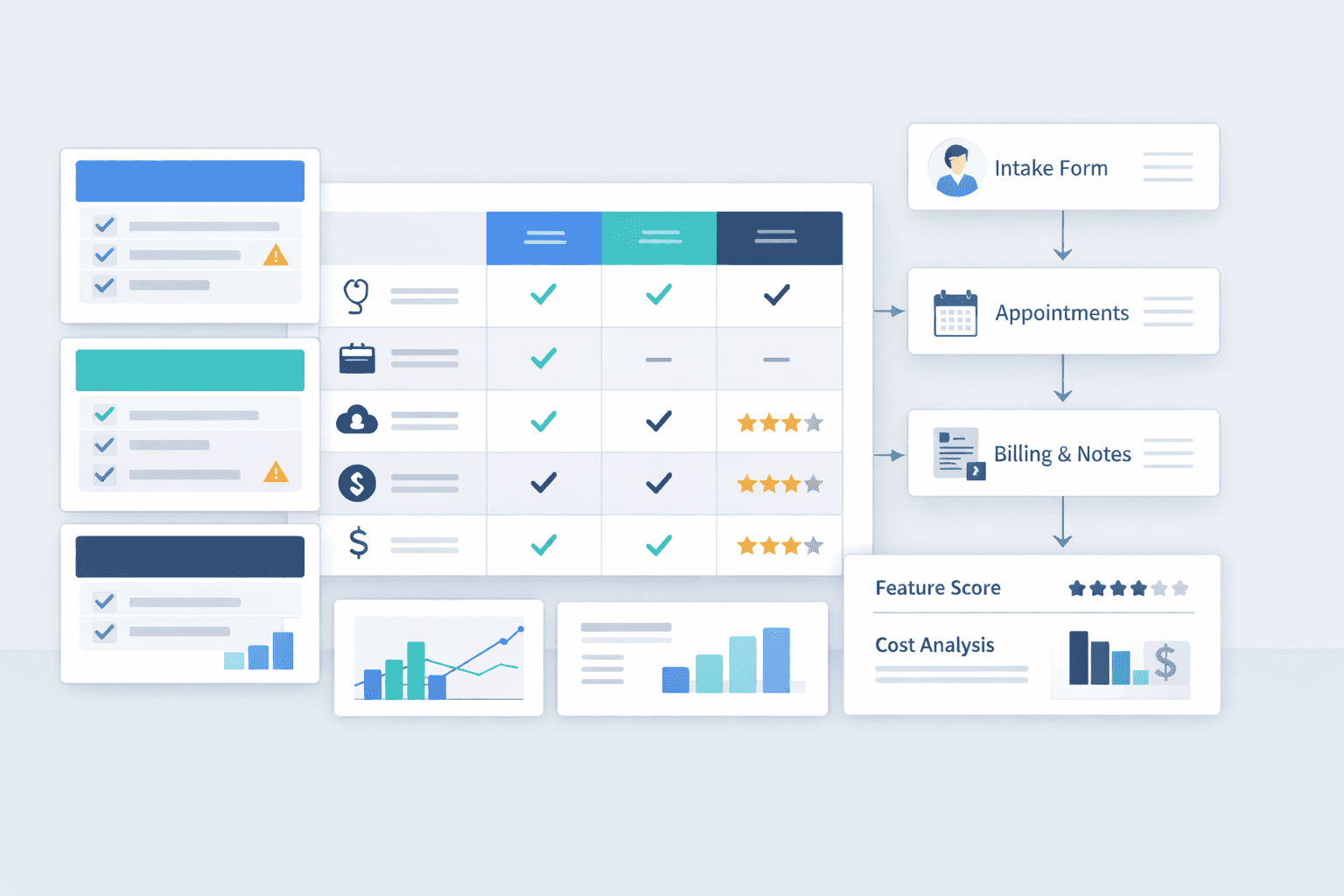
Comparison Matrix Template
When comparing vendors, avoid relying on memory or subjective impressions.
Create a structured scoring matrix.
Evaluation Category | Vendor A | Vendor B | Vendor C |
Ease of Use | |||
MSP Billing Integration | |||
Task & Team Workflow | |||
Infrastructure Model | |||
Support Quality | |||
3–5 Year Cost Impact |
Score each category independently (for example, 1–5).
Involve physicians and MOAs in the evaluation process.
This approach reduces bias and keeps discussions grounded in operational criteria rather than branding.
Common Mistakes When Choosing an EMR
1. Choosing Based on Popularity
Widespread adoption does not guarantee fit for your clinic’s workflow.
2. Choosing Solely on Subscription Price
Lower upfront cost may mask higher multi-year inefficiencies.
3. Overvaluing Feature Lists
More features do not automatically translate to better workflow.
4. Ignoring MOA Workflow Input
Staff use task systems intensively. Excluding them skews evaluation.
5. Underestimating Long-Term Friction
Small inefficiencies compound across thousands of visits.
The best EMR reduces sustained friction — not just first impressions.
FAQ: Best EMR for Family Physicians in BC
What is the best EMR in BC?
There is no universal best EMR in BC. The best system is the one that aligns with your clinic’s workflow, billing structure, and long-term operational needs. Fit matters more than brand recognition.
Are cloud EMRs better?
Cloud EMRs often reduce infrastructure maintenance and update management. However, the right choice depends on your clinic’s technical capacity and long-term plans. The infrastructure model should support efficiency, not add distraction.
How many EMRs operate in BC?
Multiple EMR vendors operate in BC, including both cloud-based and server-based systems. Availability may vary by clinic size and specialty. The key is evaluating workflow fit rather than counting market share.
Should I choose the most widely used EMR?
Not necessarily. High adoption does not guarantee optimal workflow design or long-term efficiency for your specific clinic. Objective comparison is more reliable than popularity.
Closing: “Best” Is Operational Fit
The best EMR for family physicians in BC is not defined by marketing claims or feature volume.
It is defined by operational fit over time.
Evaluate vendors across usability, billing integration, team workflow, infrastructure model, support quality, and total cost of ownership. Use a structured comparison framework. Think in 3–5 year horizons.
Administrative friction compounds. So does efficiency.
Over a five-year horizon, that difference becomes material.
Choose the system that reduces sustained operational drag — and supports the way your clinic actually works.